On this page
Ask anyone who runs an online shop which question they answer most, and the answer is nearly always the same: Where is my order? Customer service teams even have an acronym for it, WISMO. Each one means the same routine: find the order, check the status, copy the tracking link, reply. As order volume grows, that routine quietly eats hours every week.
The information already exists in WooCommerce. The customer just cannot see it without asking you. This article shows how to let them find it themselves, in the chat, without giving away anyone else’s data.
Why customers ask instead of checking
WooCommerce does let customers follow their orders, but only from the My account page, and only if they created an account. Many shoppers check out as guests, lose the confirmation e-mail, or simply do not think of logging in. Asking feels quicker.
So the goal is not to send them somewhere else. It is to answer them where they already are: in the chat window on your shop.
What the customer sees
With E-commerce AI Assistant, the exchange looks like this:
Customer: Hi, where is my order? I ordered last week.
Assistant: I can check that for you. Could you give me your order number and the e-mail address you used at checkout?
Customer: 10482, marie@example.com
Assistant: Thanks, Marie. Order #10482 was shipped on 12 November with Colissimo. Your tracking number is 6A123456789, and you can follow the parcel here: [tracking link].
The customer gets the status, the carrier and the tracking link in under a minute, at any hour, without an e-mail to you.
Security first: only the customer’s own order
An order contains a name, an address and a list of purchases. A chatbot must never reveal it to someone who just guesses an order number.
That is why the assistant asks for two things: the order number and the billing e-mail address of that order. Only when both match does it read the order. A phone number alone is not accepted. If they do not match, the customer gets a neutral message that reveals nothing about whether the order exists.
Order lookup is also read-only: the assistant can tell the customer about their order, not change it.
Where the tracking information comes from
The assistant reads tracking details from the order itself:
- from the WooCommerce Shipment Tracking extension, if you use it to add tracking numbers;
- or from a tracking number saved directly on the order.
If an order has not shipped yet, or has no tracking number, the assistant says so and gives the order status instead (processing, on hold, completed and so on). That alone answers most questions: “it has not left yet” is useful information.
Setting it up
Order lookup is included in the free plugin and switches on when WooCommerce is active.
- Install the plugin and connect your AI provider. Our step-by-step guide covers this in about 20 minutes.
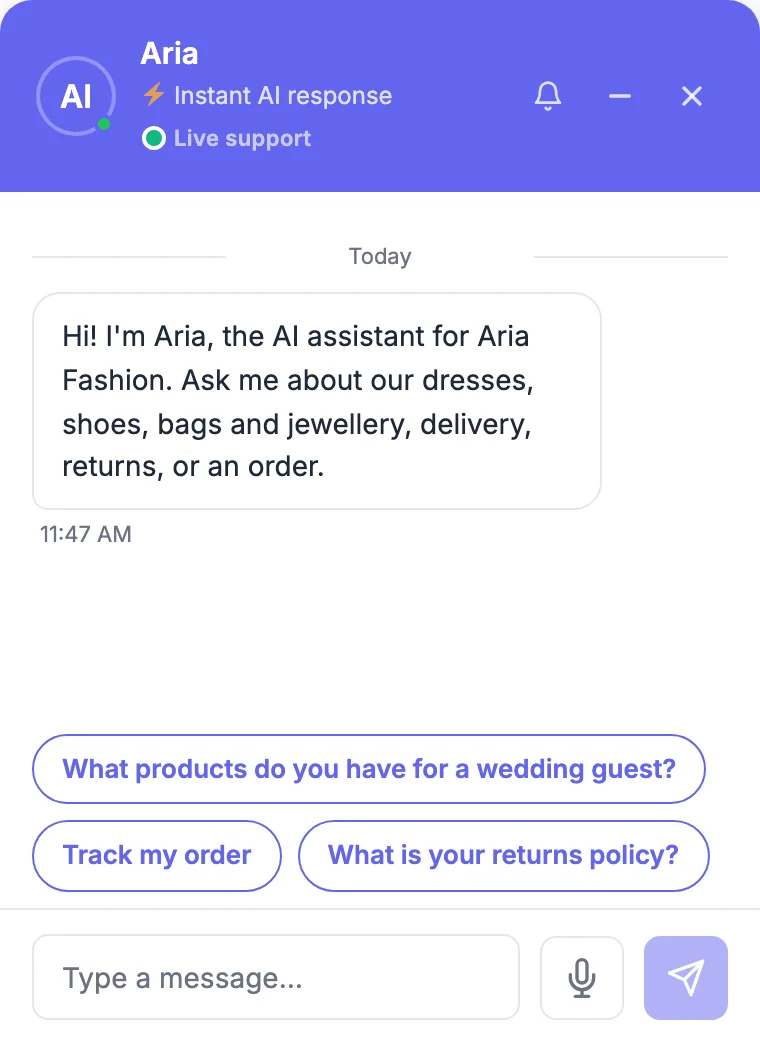
- Add a conversation starter such as Track my order under Settings → Behavior. Customers click it instead of typing, and the assistant asks for the details straight away.
- Write your delivery times in the knowledge base: how long you take to prepare an order, typical delivery times per country, and what happens if a parcel is late. When a customer asks “is it normal that it has not arrived?”, the assistant can then answer with your own rules instead of a guess.
- Add tracking numbers to your orders if you do not already: through the Shipment Tracking extension or your shipping plugin.
- Test it in a private window with one of your own orders: give the right e-mail, then a wrong one, and check that the second attempt reveals nothing.
When the customer needs a person
Some “where is my order?” questions are really something else: a parcel marked delivered that never arrived, a damaged box, a wrong item. The assistant is not the right tool for those, and it should not pretend to be.
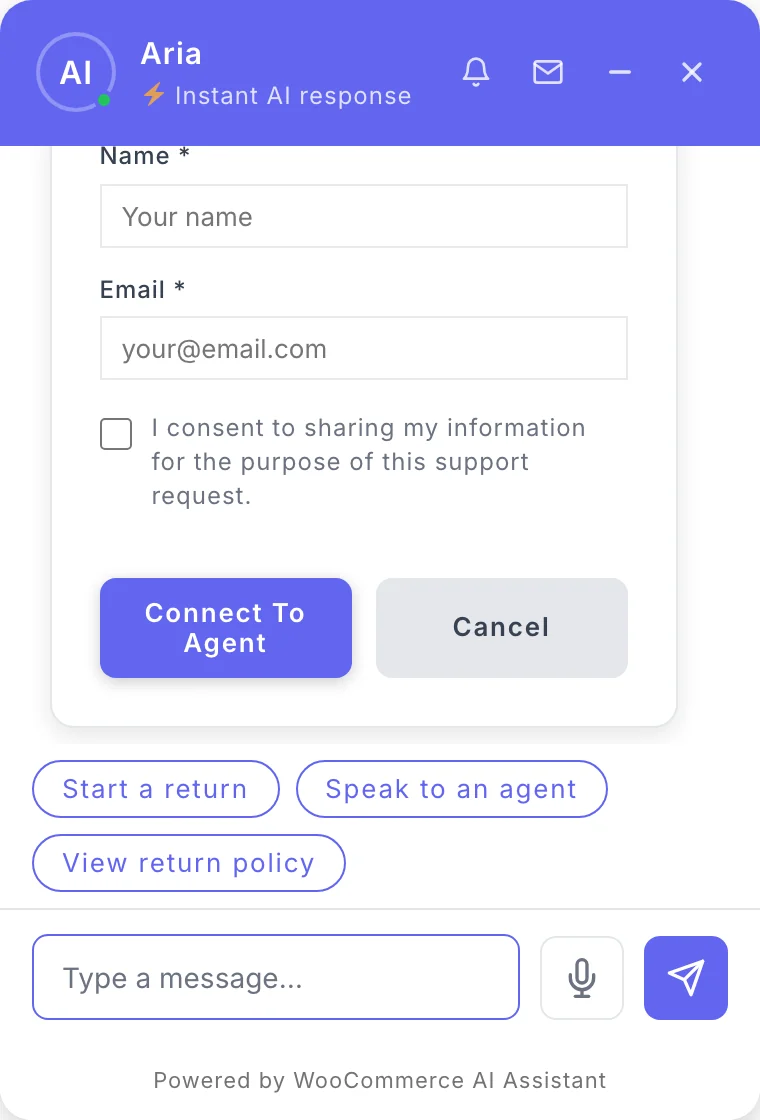
When the customer asks for a person, or uses one of your escalation keywords such as “talk to someone” or “urgent”, the chat asks for their name and e-mail and alerts you. You can then take over the conversation yourself, with the full history in front of you, and the AI stays silent while you reply.
What you gain
- Fewer e-mails. Routine status questions are answered without you.
- Faster answers for customers, at any hour, in their own language.
- A clear signal when something is wrong: the questions that reach you are the ones that actually need you.
And because every conversation is saved in your inbox, you can see at a glance which orders generate questions, which is often the first sign of a carrier problem.